

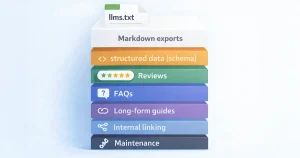
Generate llms.txt for WordPress in minutes

Meet JumpsuitAI – llms.txt + Markdown Endpoints, a premium llms.txt generator and Markdown export tool purpose‑built to help AI systems understand your site. This llms.txt WordPress plugin automates structured content organization so you can prepare your site for AI search without custom code.

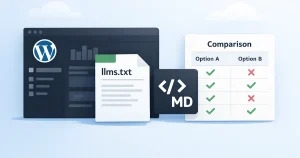
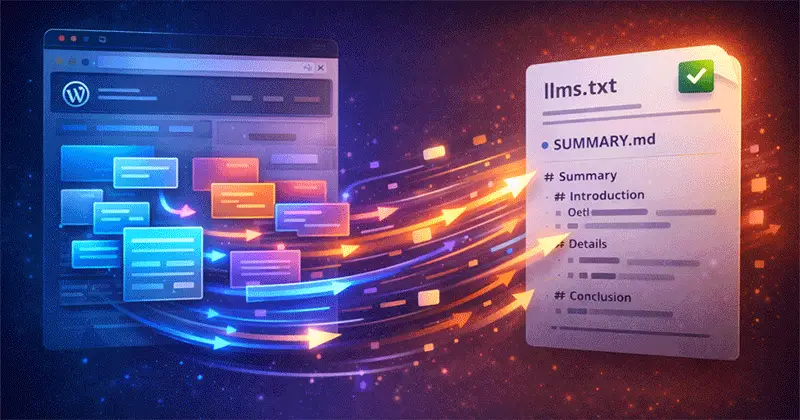
Illustration showing JumpsuitAI Pro generating an llms.txt file and structured Markdown content for a WordPress website

Why JumpsuitAI Pro

JumpsuitAI Pro extends the free JumpsuitAI plugin with automation and advanced control:

Diagram showing how JumpsuitAI Pro organizes a WordPress site into custom groups with introductions, bulk management, and Markdown export
  • Custom groups to organize pages, posts, and custom post types into clear sections
  • Bulk management for faster setup across large sites
  • Customizable introductions for each group to guide AI systems
  • Markdown exports to create clean, crawlable overviews of your content
  • Built for privacy with on‑site generation and no external dependencies

If you’re evaluating the best llms.txt plugin for your WordPress workflow, JumpsuitAI Pro is designed to streamline implementation, reduce manual work, and keep your content governance flexible.

Fast setup, minimal friction

  • Install, activate, and configure in minutes
  • Apply defaults, then refine with custom groups
  • Regenerate files anytime as your site changes
Illustration showing fast setup of JumpsuitAI with simple configuration and one-click llms.txt generation in WordPress

Purpose‑built for WordPress

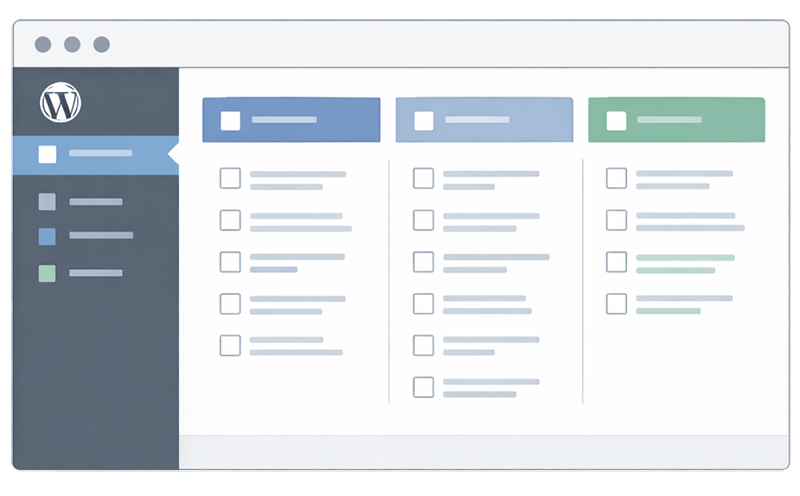
Illustration of theJumpsuitAI Pro admin interface showing content selection for generating llms.txt and Markdown files in WordPress
  • Works with native post types and custom post types
  • Clear controls in the admin for content selection
  • Outputs consistent llms.txt and Markdown structures

How JumpsuitAI Pro works

  1. Install the plugin and open the settings panel.
  2. Select which post types and taxonomies you want to include.
  3. Create custom groups and add short introductions to provide context.
  4. Use bulk management to quickly include or exclude content at scale.
  5. Generate llms.txt and Markdown files that help AI systems map your site’s topics.

Because everything runs within WordPress, you maintain full control over what’s shared. No manual coding. No external sync. Just click generate and ship.

Step-by-step diagram showing how JumpsuitAI Pro works, from installing the plugin to generating llms.txt and Markdown files in WordPress
  • Want a deeper walkthrough? Visit the Features page.
  • Ready to buy? See Pricing for license options.

Built for WordPress pros who value privacy

Illustration showing JumpsuitAI keeping WordPress data local with on-site llms.txt generation and privacy-focused control

JumpsuitAI was developed for tech‑savvy site owners, developers, and managers who want speed without sacrificing control. As a digital download licensed via Freemius, it installs directly on your site with no physical location or NAP data required.

  • Keep data on your server — generation happens inside WordPress
  • Scale with bulk actions across hundreds or thousands of URLs
  • Edit and regenerate as your information architecture evolves

If you’ve been searching for an AI SEO plugin for WordPress that prioritizes clarity, governance, and performance, JumpsuitAI Pro fits your stack.

Free vs Premium at a glance

JumpsuitAI Pro extends the free JumpsuitAI plugin by adding:

  • Custom groups for refined content organization
  • Bulk management tools for rapid updates
  • Customizable introductions per group
  • Advanced Markdown export options

Looking for a side‑by‑side breakdown? 

Comparison chart showing differences between the free and pro versions of WP LLMs TXT Pro for WordPress
Icons representing WordPress developers, site managers, and publishers using JumpsuitAI to generate llms.txt and Markdown documentation

Whether you call it a llms.txt plugin or a llms.txt generator plugin, the goal is the same: clear, consistent guidance for AI systems and faster maintenance for your team.

Who is it for?

  • WordPress developers standardizing content structure for AI
  • Site managers preparing for emerging AI search systems
  • Publishers who want llms.txt and Markdown documentation without manual upkeep

Quick benefits

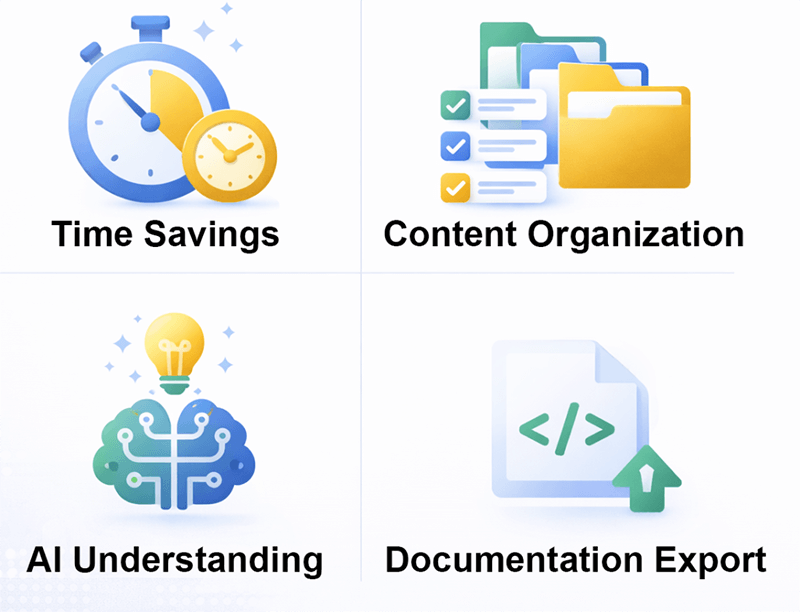
  • Save hours vs hand‑coding llms.txt
  • Keep structure and context up to date with bulk tools
  • Help AI systems understand topical groupings across your site
  • Export Markdown to share internal knowledge or external docs

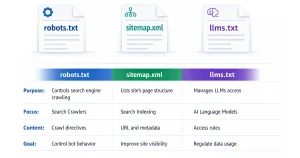
Click the button below to learn what llms.txt is, how it differs from other files, and how JumpsuitAI supports your workflow.

Illustration highlighting key benefits of JumpsuitAI including time savings, content organization, AI understanding, and documentation export

Resource Articles

FAQs

What does a llms.txt generator plugin do?

It automates creation of a llms.txt file that summarizes and organizes your site’s content for AI systems. JumpsuitAI also generates Markdown overviews and adds controls like custom groups, bulk management, and customizable introductions to streamline setup.

If you want AI systems to better understand your site’s structure and topical relationships, llms.txt can help. JumpsuitAI makes it easy to generate and maintain that structure without coding.

Yes. Install, choose content groups, adjust introductions, and click generate. Most sites can produce a useful llms.txt and Markdown export in minutes. For details, see Features.

Free tools provide basic generation. JumpsuitAI Pro extends that with advanced organization, bulk management, and customization designed for larger or evolving sites. Explore the Comparison for a full breakdown.